






This Fusion for Beginners guide walks you through every step – from choosing your first Yaesu System Fusion (C4FM) radio and programming local repeaters to joining Wires-X rooms and making your first digital QSO. Whether you’re new to ham radio or just exploring the digital voice world, you’ll be on the air with Fusion in no time.
If you’ve just earned your ham radio license and want to explore digital voice modes, Yaesu System Fusion – often called Fusion or C4FM, is one of the easiest places to start.
Developed by Yaesu, Fusion combines crystal-clear digital voice with full analog FM compatibility, letting you talk with both digital and analog stations on the same repeater. It’s clean, simple, and built with the beginner in mind.
In this Fusion for Beginners guide, we’ll walk you through what Fusion is, how to set up your first radio, how to connect to a Wires-X room, and what to expect once you’re on the air.
1 Fusion for Beginners: Meet Yaesu System Fusion
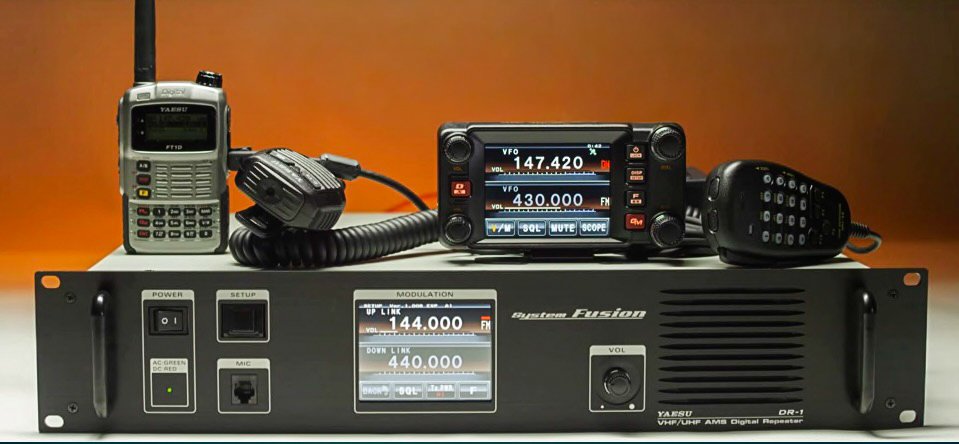
Yaesu System Fusion is Yaesu’s digital voice technology based on C4FM modulation. Unlike some other systems that require strict digital-only operation, Fusion radios can automatically switch between digital and analog FM using Automatic Mode Select (AMS).
That means if you call another ham in analog, your radio automatically switches to FM, and when someone transmits in C4FM, it flips back to digital without you doing a thing. This makes Fusion one of the most beginner-friendly digital modes available.
2 Getting Started: Choose Your First Fusion Radio
The easiest way to begin with Fusion is to pick a Yaesu radio that supports C4FM.
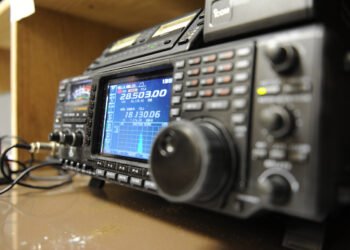
If you’re looking for a handheld, the FT-70DR remains the go-to model for new hams – affordable, rugged, and simple to program. For mobile operation, the FTM-300DR or FTM-500DR gives you a big screen, Bluetooth support, and dual-band coverage. And if you’d like a base station that also covers HF, the FT-991A does it all.
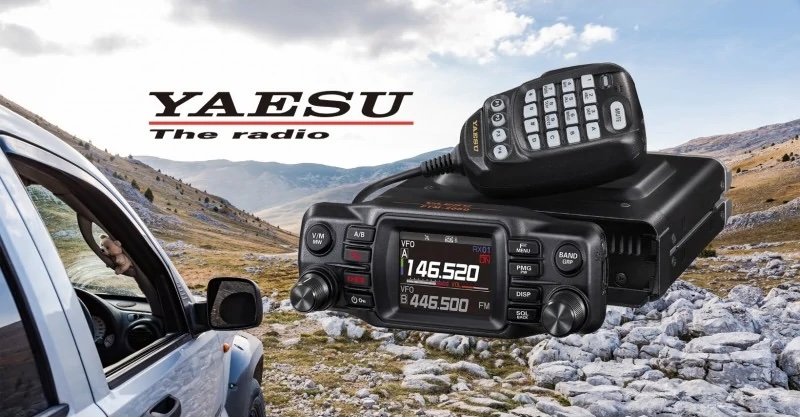
Whatever model you choose, make sure C4FM appears in the specifications, as that’s your ticket into the Fusion world.
3 Programming Your Radio
Once you’ve unboxed your radio, it’s time to get it on the air. Most Fusion radios can be programmed directly from the keypad, but using Yaesu’s programming software or RT Systems makes life easier.
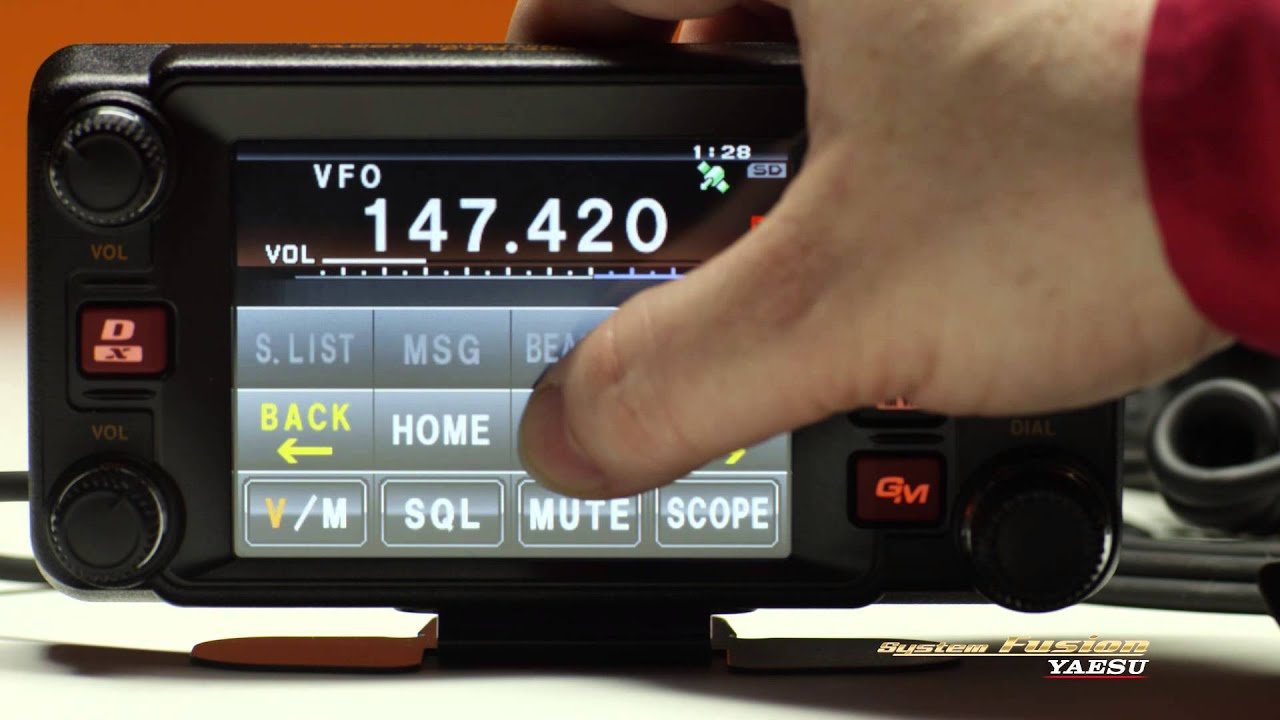
Here’s the basic setup:
- Enter your callsign so it appears on screen during transmissions.
- Add local repeaters – you can find Fusion ones on RepeaterBook.com or the Yaesu Wires-X node map.
- Enable AMS so your radio automatically switches between analog and digital.
- Save your favorite channels into memory.
If you’re lucky enough to live near a Fusion repeater, that’s the fastest way to experience C4FM. Just tune in and start listening, as your radio will handle the rest.
4 Connecting Through Wires-X
One of Fusion’s biggest advantages is Wires-X, Yaesu’s global linking system that connects repeaters and nodes over the Internet.
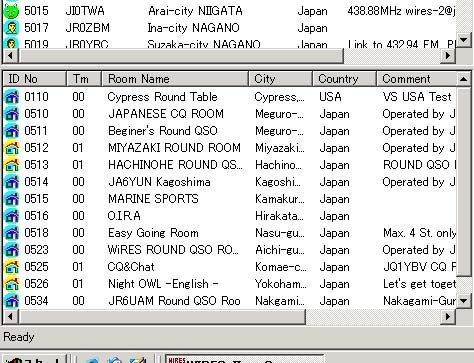
Think of Wires-X like digital “rooms” – each room is a gathering place for hams who share a common region or interest. When you connect to a Wires-X room such as America-Link or CQ-Canada, your audio is instantly heard by everyone else in that room, no matter where they are in the world.
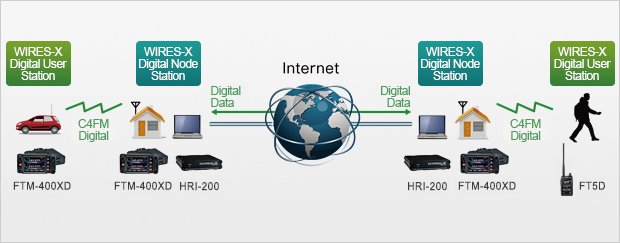
Many modern Fusion radios can link to Wires-X repeaters automatically. Just press the [DX] or [Wires-X] button, and the radio will display a list of nearby nodes or the room number you’ve connected to.
If you don’t have a Fusion repeater nearby, don’t worry – you can still connect using a hotspot (more on that below).
5 Using a Hotspot
A hotspot is a small device that connects your radio to the Internet, letting you use digital modes from anywhere – even without a local repeater.
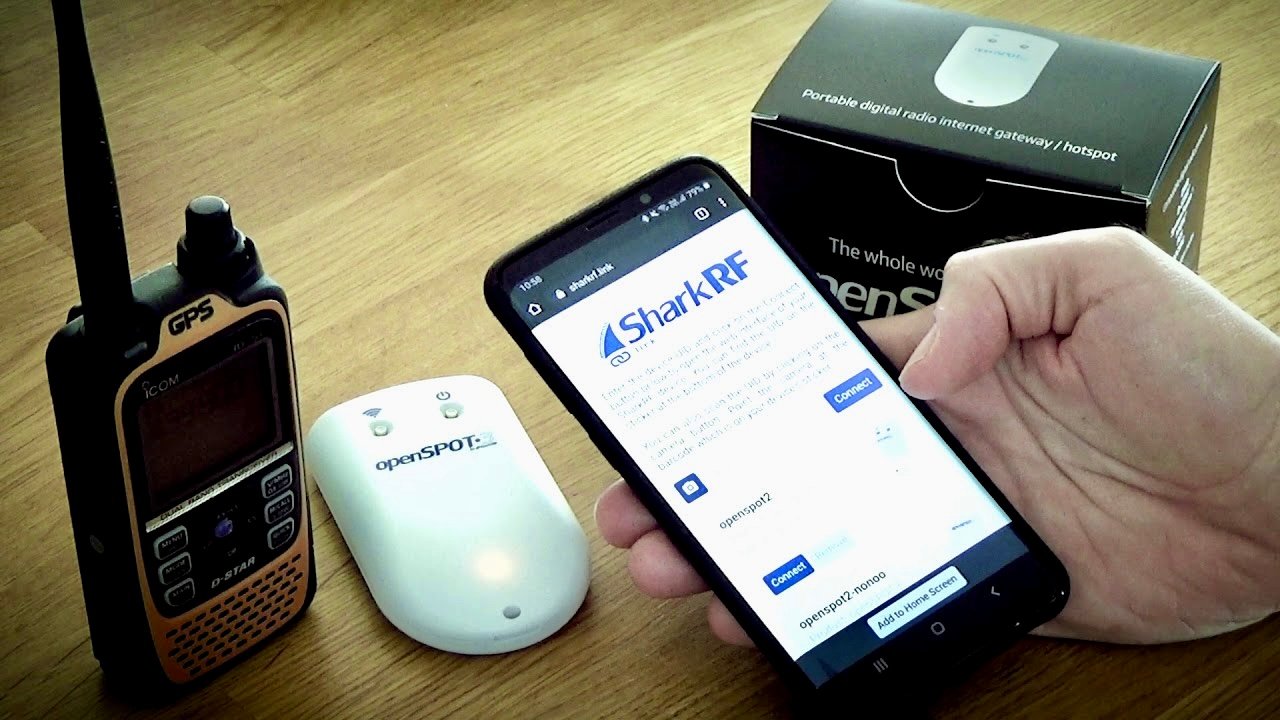
Devices like the Pi-Star, OpenSpot4 Pro, or ZumSpot can be configured for YSF mode (Yaesu System Fusion). Once it’s set up, you simply tune your radio to the hotspot’s frequency, and the hotspot handles the Internet connection to Wires-X or other Fusion reflectors.
Hotspots are ideal if you live in a rural area, travel frequently, or want to operate indoors without hitting a repeater.
6 Talking Across the Fusion Network
Once connected, you can explore rooms and make your first digital QSO. A few popular rooms include:
- America-Link (21080) – one of the largest global Fusion hubs.
- CQ-Canada (40703) – perfect for Canadian hams.
- Fusion-Worldwide (42195) – international general chat.
When calling, use the same etiquette as on analog FM: listen first, identify with your callsign, and keep transmissions short to allow others in.
If a room is busy, wait for a pause before joining the conversation. Many rooms have periodic IDs or announcements, which is quite normal.
7 Exploring Cross-Mode Gateways
One fun part of Fusion is its flexibility. With a capable hotspot, you can use YSF2DMR or YSF2NXDN bridges to talk to users on other digital networks like DMR or NXDN.
This means your Fusion radio can potentially reach users outside the Yaesu ecosystem, which is great if your local group uses multiple digital standards.
8 Troubleshooting and Tips
Fusion is quite forgiving, but here are a few quick pointers:
- If you’re hearing noise or garbled voice, make sure you’re in DN (Digital Narrow) mode, which works best with most repeaters.
- If your radio keeps reverting to analog, check that AMS is on and that you’re within range of a C4FM signal.
- When using a hotspot, ensure your frequency and mode match the hotspot configuration (usually shown in the Pi-Star dashboard).
And of course, don’t forget to ID properly according to your local regulations!
9 Continue Learning about Yaesu System Fusion
Yaesu System Fusion is often appreciated for its simplicity and audio quality, but its real strengths tend to emerge through day-to-day use on local repeaters and linked networks.
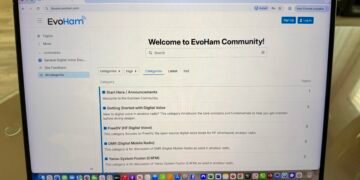
If you’re exploring Fusion, curious about C4FM operation, Wires-X rooms, local-only repeaters, or how Fusion compares to other digital voice modes like DMR or D-STAR, the EvoHam Community offers a place to explore those questions through practical ham experience.
Visit the EvoHam Community’s Yaesu System Fusion section to see how other hams are using Fusion on the air, share setup experiences, and learn what works well in real-world operating situations.
10 Final Thoughts
Yaesu System Fusion is a natural next step for any ham looking to explore the world of digital voice. It combines digital clarity, simple setup, and analog flexibility, making it one of the easiest and most enjoyable digital modes to learn.
Once you’ve mastered Fusion, you can experiment with Wires-X linking, cross-mode operation, and hotspot networking, opening the door to hams worldwide – all from your handheld or mobile rig.
11 Related Reading on EvoHam
- DMR for Beginners: A Step-by-Step Guide for New Hams
- DMR vs Fusion vs D-Star: How to Choose the Right Digital Ham Radio Mode
- D-STAR for Beginners: A Step-by-Step Guide for New Hams
Some links in this story are affiliate links. If you choose to buy through them, EvoHam may earn a small commission – at no extra cost to you. It helps support more stories like this.